Oslo Vibe Coding
Norway Welcome Week 2026

Build YourFirst Websitewith AI

Harsh Trivedi
Harsh Trivedi
Akshat Jain
Akshat Jain
Oslo Vibe Coding
Our community

Oslo Vibe Coding

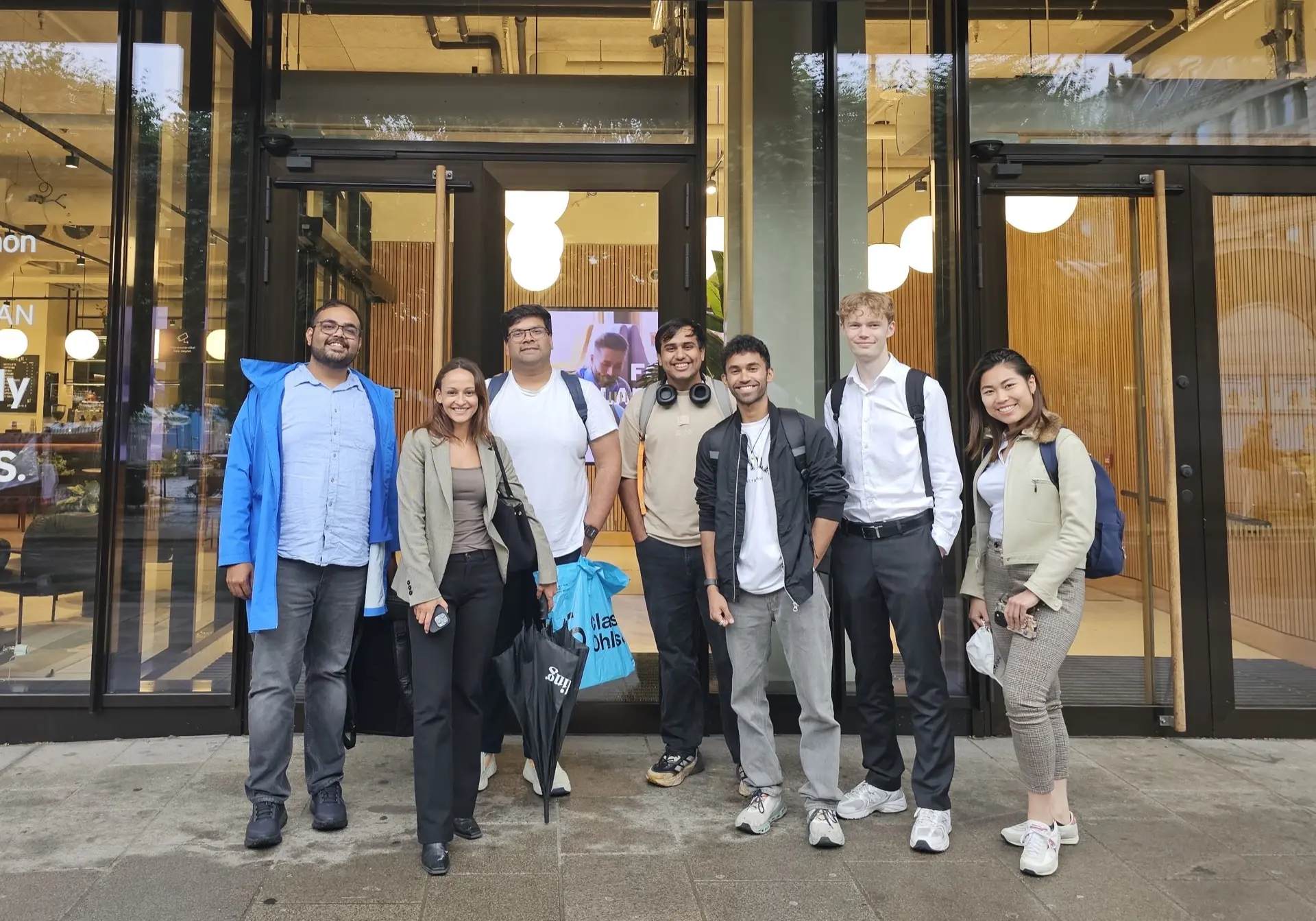
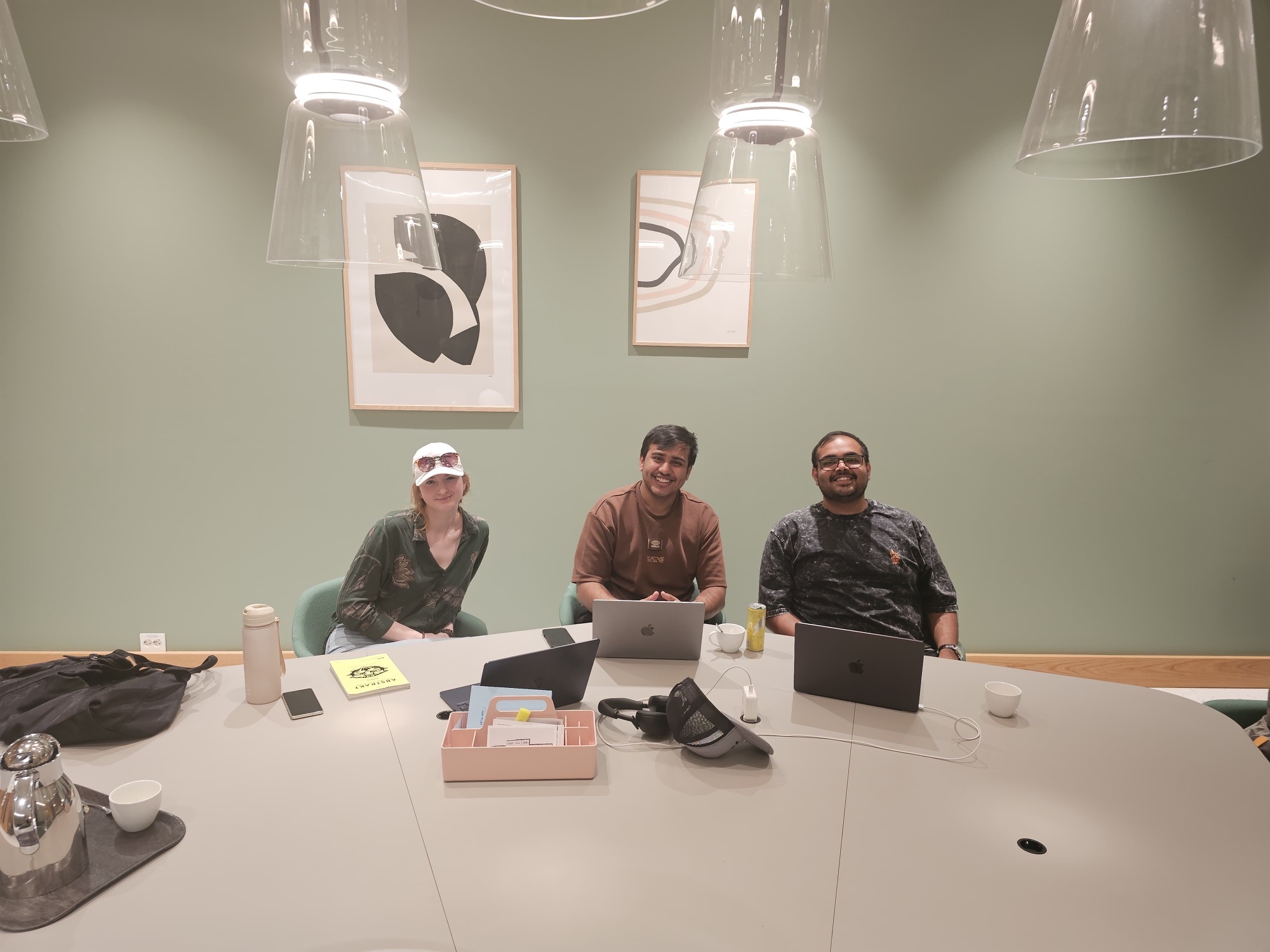
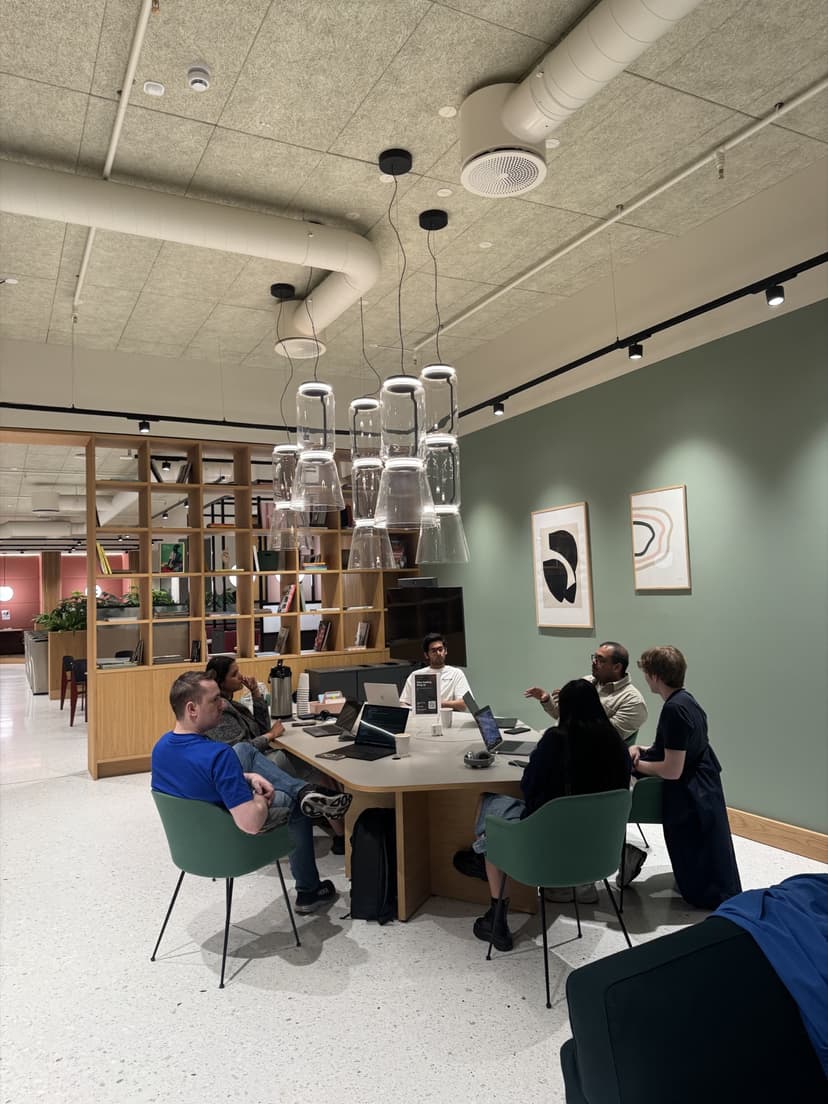
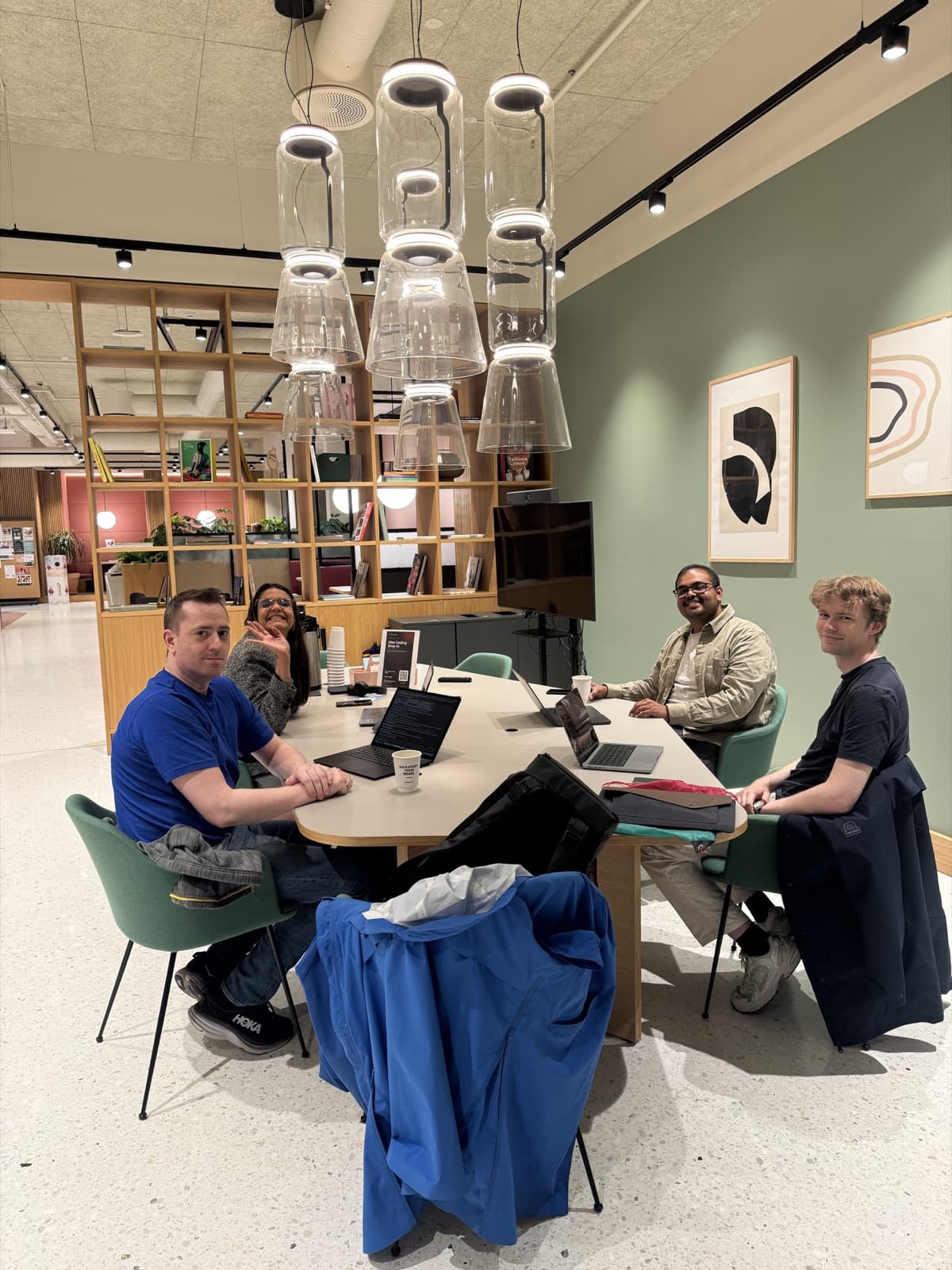
Oslo Vibe Coding community members together outside the venue

Build real things

Websites, apps, and useful experiments.

Learn together

Learn by building together.

Share what works

Bring an idea. Share what you learn.

oslovibecoding.tech

Oslo Vibe Coding
The origin
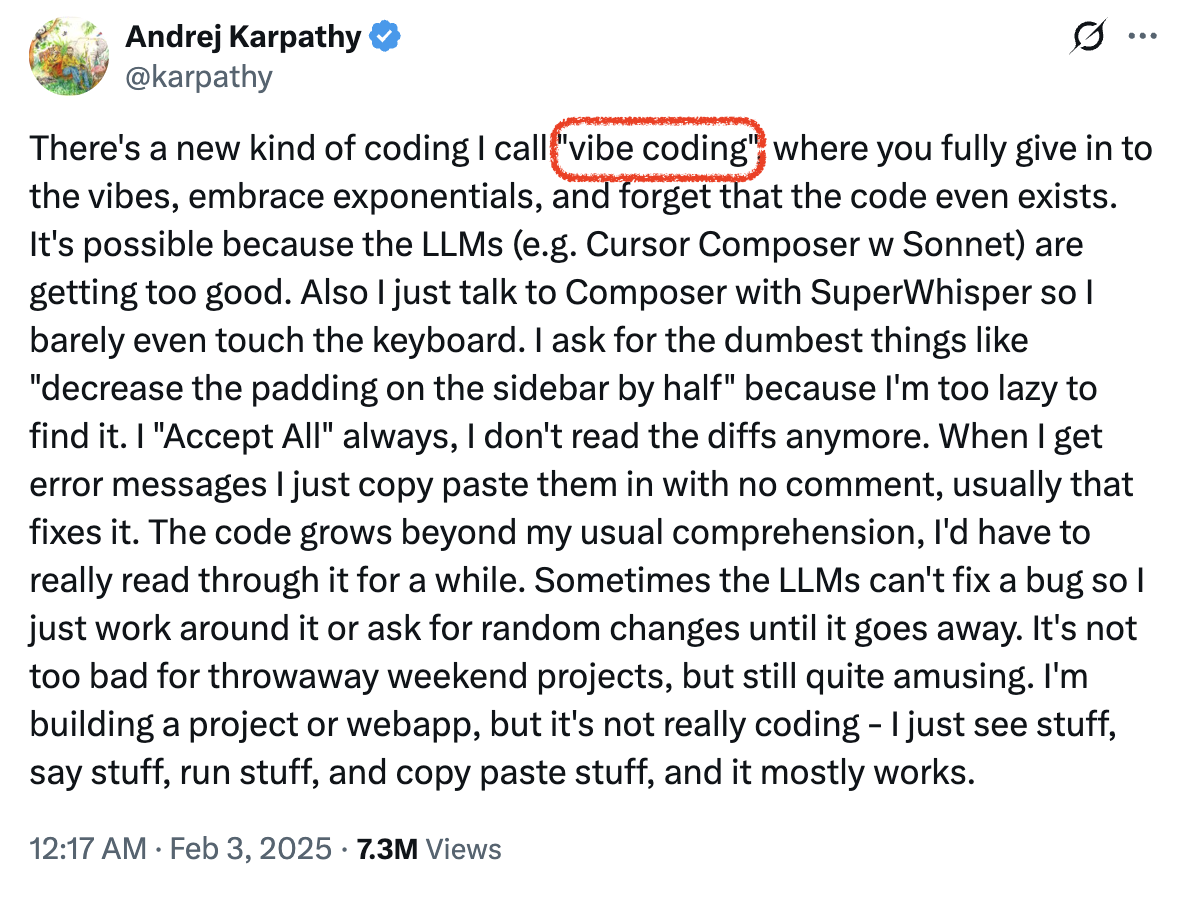
Andrej Karpathy's February 2025 post introducing vibe coding: building through conversation with AI, often without reading the generated code.
Andrej Karpathy / 2025

Vibe
coding.

Describe. Build. Repeat.

Keep the conversation.
Review the code.
Oslo Vibe Coding
Part 1 / Understanding

One click. Three parts.

Example: joining an event.

Frontend

What you see

Backend

Does the work

Adds Sam to
the guest list.

Database

Remembers it

Guest listSam
Our first website only needs the frontend.
Oslo Vibe Coding
Part 1 / Understanding

Better words. Better results.

Hard to act on

"Make my website better."

Specific enough to check

"Make the event details fit a phone."

Keep the headline and photo. Stack the details.

What changes?What stays?How will we check?
Oslo Vibe Coding
Part 1 / The page

The parts of a web page

1OSLO HACKAbout   The plan
People building together3
2

Oslo Hack

Make something together.

4Show the plan
5MeetBuildShare
Oslo Vibe Coding
Part 1 / The page

HTML, CSS, and JavaScript

HTML gives the content a structure.

THE SAME PAGE

Oslo Vibe Coding

Bring an idea. Build together.

Photo 1 / 2
Oslo Vibe Coding
Part 1 / Your role

You direct the work

Think about the experience you want.
Then talk to your coding agent.

You decide

The purpose, the experience, and the priorities.

AI works on the code

Plans, builds, and makes changes.

You test the result

Try it. Give feedback. Decide what ships.

Oslo Vibe Coding
Part 1 / Our rules

Six rules for building with AI

01

Describe the outcome

Who is it for? What should it do?

02

Give it the context

Share content, images, and constraints.

03

Ask for a plan first

Clear up questions before building.

04

Change one thing

Keep unrelated parts of the page intact.

05

Show the evidence

Use a screenshot, an error, or an exact example.

06

Check before sharing

Test it. Keep secrets out.

Oslo Vibe Coding
Part 1 / Going online

From your files to a live website

</>

Your project

The files you edit and preview.

HTML + CSS + JavaScript

GitHub

The project and its saved versions.

Repository = project folder + history.

Vercel

Publishes your site at a public URL.

Deploy means publish a version.

Other hosting routes: GitHub Pages and Replit Publishing.

Oslo Vibe Coding
Part 2 / Build together

Let's build Oslo Hack

Build it together. Publish it on Vercel.

The visitor

Someone looking for people to build with.

The first version

A headline, a photo, and a button that opens the plan.

The result

A working page to share.

Open the example ↗
OSLO HACKAbout   The plan
People building together in Oslo
Make something together

Oslo Hack

Bring an idea. Build a first version with people nearby.

MeetFind your peopleBuildTry one small ideaShareShow what you made
Oslo Vibe Coding / Community project
Oslo Vibe Coding
Part 2 / Setup

A tool, a project, and a browser

01

Choose a tool

Open Claude Code, Codex, or your preferred coding tool.

02

Create a project

Create a folder named oslo-hack.

03

Prepare to publish

Sign in to GitHub and Vercel.

Our small projectindex.htmlstyle.cssscript.jsphoto.jpg

Browser builders need a file export or GitHub connection.

Oslo Vibe Coding
Part 2 / Plan

Plan the page

Navigation Oslo Hack
Headline + photo

One clear button

MeetBuildShare
Footer Community link

Must have

A clear headline, the supplied photo, and a button that opens the plan.

Keep it small

No account, payment, signup form, or database.

Done means

The button works, the phone layout fits, and the public link opens.

Oslo Vibe Coding
Part 2 / Build

Our first build prompt

Describe the website, not every line of code
Build a one-page website called Oslo Hack.
It helps people in Oslo find others to build small projects with.
Use photo.jpg. Colors: #110F17, #FBF7F0, #FF5A2C.
Include navigation, a headline, an intro, Meet / Build / Share, and a footer.
Add a button that shows and hides a short session plan.
Use index.html, style.css, script.js, and photo.jpg. No libraries.
Make it work on a phone. Do not add login, payments, or a database.
First explain your plan and ask about missing information.
After agreeing on the plan: "Go ahead. Build it and tell me how to preview it."
Oslo Vibe Coding
Part 2 / Review

Try the website as a visitor

0 / 5

Ready to check

Expected: the plan opens.
Actual: nothing happens.
Evidence: show the agent the page.

Oslo Vibe Coding
Part 2 / Add a skill

Skills: reusable recipes for your agent

The job

Review this website before publishing.

The checks

Phone layout, keyboard access, working links, and clear button labels.

The output

Issues, fixes, and retest results.

Example review recipe / instruction body
# Website review
1. Open desktop and phone layouts.
2. Check images, links, and buttons.
3. Test Tab and Enter navigation.
4. Describe issues with evidence.
5. Fix agreed issues, then retest.
6. Ask before publishing.
Use a trusted skill or reuse this checklist.Source
Oslo Vibe Coding
Part 2 / Save the project

Save Oslo Hack in GitHub

01

Create a repository

Name the project oslo-hack.

02

Add the files

Upload the website files and photo at the top level.

03

Commit the version

Save a checkpoint with a short description.

oslo-hackindex.html   style.css   script.js   photo.jpg

Commit message
First working website

Upload project files only. Keep passwords and keys out.
Oslo Vibe Coding
Part 2 / Deploy

Publish the project on Vercel

1. New Project

Connect GitHub and select your oslo-hack repository.

2. Import

Confirm the project folder contains index.html.

3. Deploy

Publish the project and open the URL Vercel gives you.

For our plain-file project

Framework Preset
Other
Build Command
Override: leave empty
Output Directory
. (project root)

Plain HTML, CSS, and JS need no build step.

Framework app? Keep its detected build settings.Source
Oslo Vibe Coding
Part 2 / Deploy

The public link is the real test

01

Open it elsewhere

Try a private window or another device.

02

Try the page again

Check the photo, layout, button, and links.

03

Share the working link

Ask someone else to try it.

Check deployment protection if visitors cannot open the link.
Oslo Vibe Coding
Part 2 / Improve

Add one feature: an FAQ

A small follow-up prompt
Add a three-question FAQ below the content.
Each answer opens when clicked.
Keep the headline, photo, colors,
and plan button unchanged.
Check phone layout and keyboard access.
Show me which files changed.
Open the updated example ↗

Frequently asked questions

Do I need coding experience?

No. Start with one small idea and learn as you build.

What should I bring?

A laptop, a charger, and something you are curious about.

Can I come without an idea?

Yes. Join someone else's project or try the workshop example.

Review the change, commit it, and the connected Vercel project deploys the update.Source
Oslo Vibe Coding
Part 2 / Improve

When your website grows

More content

Add a section in the frontend.

Shared information

Registrations need a backend and database.

More visitors

Measure speed, errors, and cost.

Ask the agent
"What needs to change for this feature, and what can stay simple?"
Oslo Vibe Coding
Part 2 / Showcase

Show us what you built

Open your website. Let someone else try it.

01

What is it?

Who is it for, and what can they do?

02

Show one interaction

A button, an answer, or a useful change.

03

What did you learn?

What improved after feedback?

Oslo Vibe Coding
Coming next

Coming next: focused workshops

01

Context + specifications

Project knowledge, LLM wikis, and clear requirements.

02

Goals + feedback loops

Define done, check results, and improve one step at a time.

03

Agents + harnesses

Tools, skills, memory, tests, and safe boundaries.

04

Products that grow

Backends, databases, security, and deployment workflows.

Dates and registration coming to oslovibecoding.tech.

Oslo Vibe Coding

Thank you.

Any questions?

oslovibecoding.tech