You do not need to know how to code to build something real. You describe what you want, an AI writes it, and you steer with judgment. We set up the tools together and built two live apps from open Oslo data, each one HTML file.
What the night was
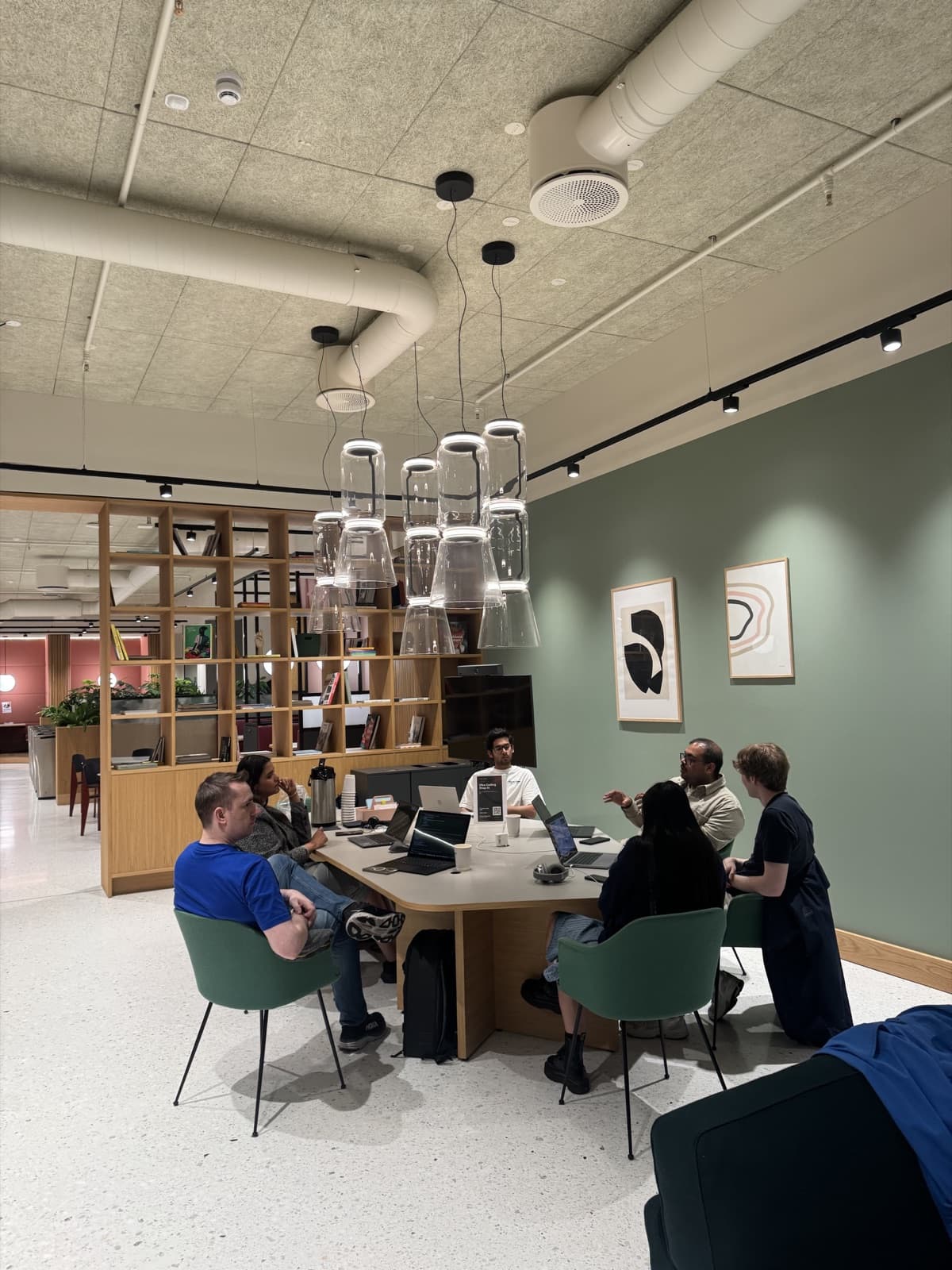
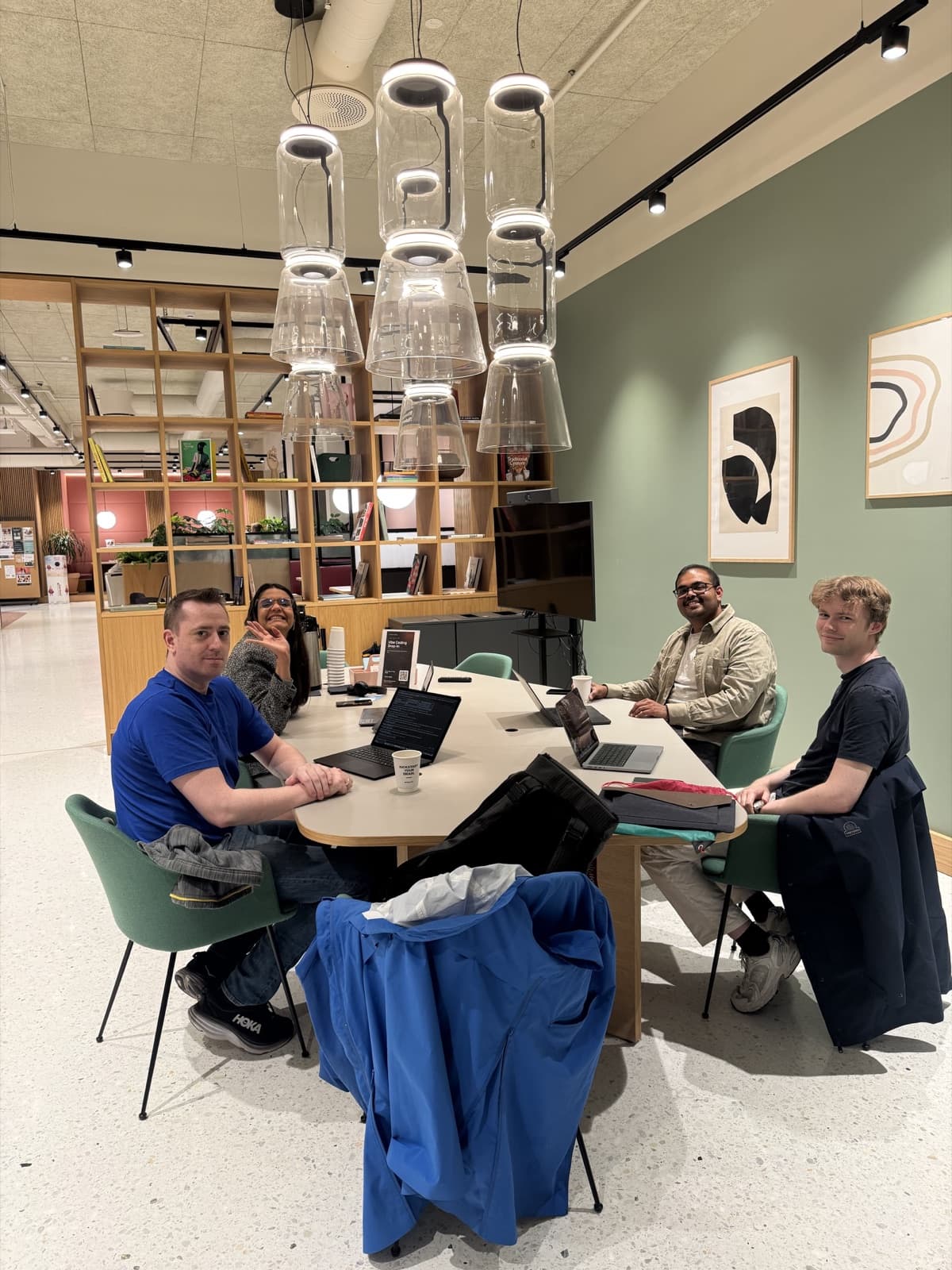
We ran another Oslo Vibe Coding drop-in this week, our first at Spaces Stortorvet in central Oslo. Free, laptops out. People who had never written a line of code showed up, set up real tools, and left with something that runs. This is the whole session written down, so anyone who could not make it can catch up and try it at home.
The plan was simple. Spend the first stretch on how this works and where AI is heading, then spend the rest building. Most of the hour was building.
People who had never written a line of code left with something that runs.
Vibe coding, in plain words
Vibe coding means you build by describing. You say what you want in plain language, an AI writes the code and runs it, and you look at the result and steer. You do not learn a language first. You build first, and pick things up as you go. Andrej Karpathy named the idea in 2025, and the tools caught up fast.
The loop is the job: describe, build, run, steer. You go around it until the result matches what you meant. You are the director. The model types. Most of your time goes into the steering, not the first prompt.
The skill worth practising is not syntax. It is judgment: deciding what good looks like, then checking that you got it. One honest note. The model writes code that looks right and can be wrong, so you work in small steps, run it every time, and read the parts that touch data or money.
- Describe, build, run, steer. Repeat until it matches what you meant.
- You direct; the model types. The steering is the work.
- Judgment beats syntax. Small steps, run it, check the risky parts.
Extra reading: the frontier, distilled
This part is optional and for your own time. We keep a set of notes on the site distilled from all 13 Stanford CS 153 guest lectures, the people building modern AI, from Satya Nadella and Sam Altman to Jensen Huang. Read the notes when you are curious, or watch the talks in full on your own time. If you do, two points matter most for a beginner.
First, the bottleneck is no longer code. Writing software is the cheap part now. Energy, compute, and knowing what to build are the scarce parts. Amin Vahdat from Google put a number on it: one gigawatt of AI costs about forty billion dollars and takes two to three years, and energy is the one thing money cannot rush. If code is cheap, your ideas and judgment are the valuable part.
Second, small teams do enormous things. Garry Tan from Y Combinator said one person at a terminal can now do the work of hundreds. You do not need a company or permission. One person and a laptop is a real team.
The bottleneck is no longer code. Your ideas and judgment are the valuable part.
Set up your own tools
Then laptops out. The mental model we taught is that your setup has four parts: a model that does the reasoning, tools that read and write your files and run commands, context about your project, and the loop you drive. Claude Code, Cursor, and similar tools all share these four parts.
Setup is quick. For Claude Code, install it with npm and run claude in a folder. For Cursor, download the app and open a folder. Then give it context: a folder, a one-sentence goal, and for anything bigger a short rules file. Ask for the smallest useful version, look at what it made, ask for the next small change, and reject what you did not want.
- Your setup: a model, tools, context, and the loop you drive.
- Claude Code: npm install -g @anthropic-ai/claude-code, then run claude.
- Cursor: download from cursor.com and open a folder.
- Give it a folder, a one-sentence goal, and a short rules file for bigger work.
Two things we built from open data
To show what one evening can produce, we built two small apps and left them running. Each is a single HTML file. No backend, no account, no API key. Each asks one free, open Oslo data source a question and draws the answer.
The first shows live public-transport departures from any Oslo stop, using Entur, the national open transport data. The second shows the city-bike stations near you with live bike and dock counts, using Oslo Bysykkel open data and your browser location. Different data, same recipe: pick an open API, ask it one question, draw the answer on a page.
That recipe is the point. Norway publishes a lot of free, open data. Transport, weather from Yr, city bikes, maps. Any of it is a first project. Open one of the demos, see how small it is, and you will believe you could build it tonight.
Pick an open API, ask it one question, draw the answer on a page.
Where this is going
This was our first session at Spaces Stortorvet, and we liked it there. We are going to keep the drop-ins at Spaces and settle into a regular time, so you can plan around it instead of watching for the next announcement.
We are also putting together a curriculum, so the sessions build on each other instead of starting from zero every week. Come to one, then the next, and you will keep building instead of repeating the basics.
Try it, then come build with us
If you missed the class, you can still do the whole thing. Open the deck, try the two demos, and pick a small idea of your own. Take one of the open data sources and make it show you something you actually want to see.
Then come to the next session. Reading is a fine start. Building in a room with other people is better, and it is free. No one codes alone.
Read it, then build it with people.
Bring this to a free Oslo Vibe Coding drop-in and put it to work with people around you.